 Hydtek

TekTV
TekTV is a free IPTV player for iPhone and iPad that plays your own M3U playlists and Xtream Codes logins.
TekTV doesn't include any channels or content. You add your own playlist from your provider: an M3U link, an M3U file, an Xtream Codes login or a provider code.
Features
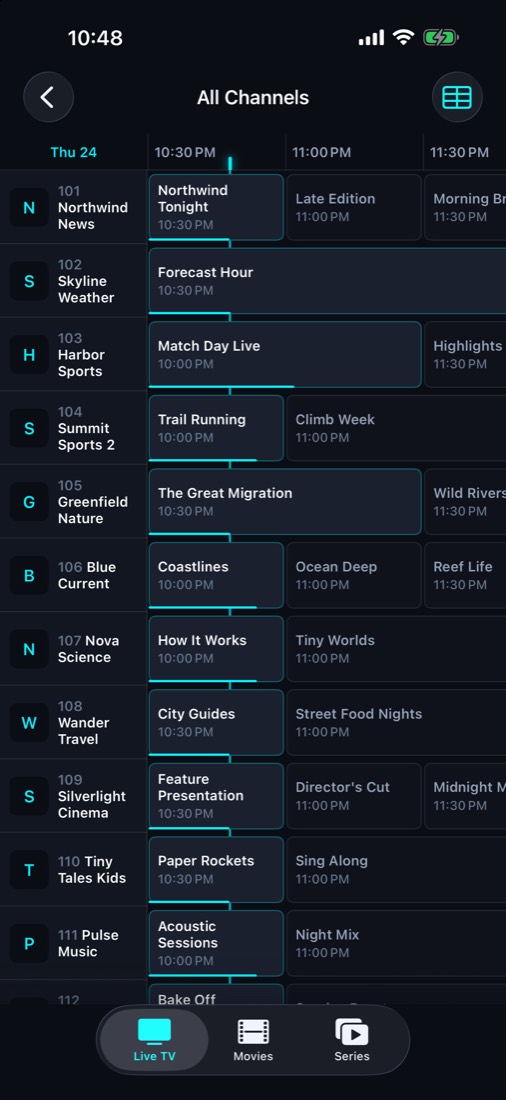
- A real TV guideA guide grid with channels down the side and time across the top, plus what's on now and next on every channel.
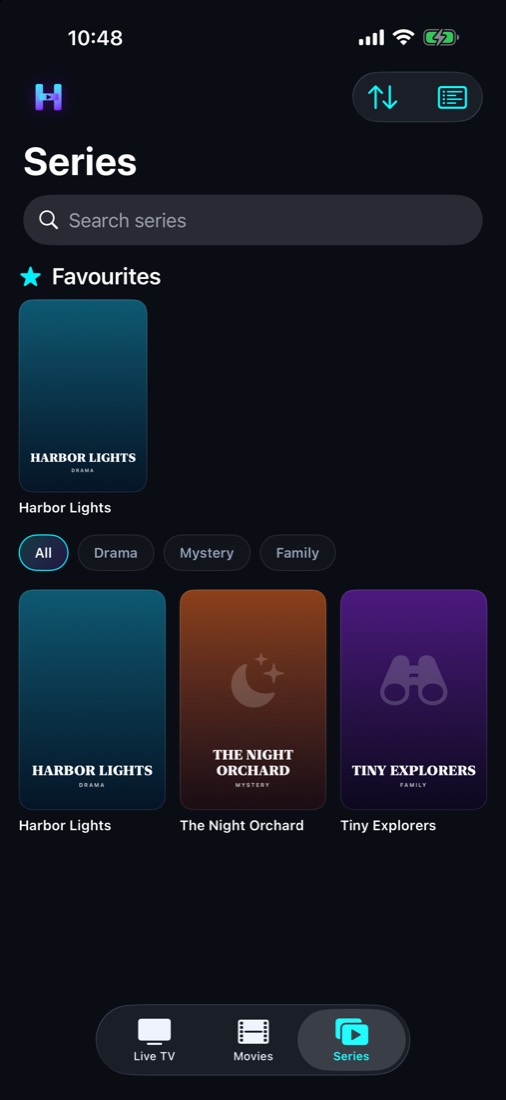
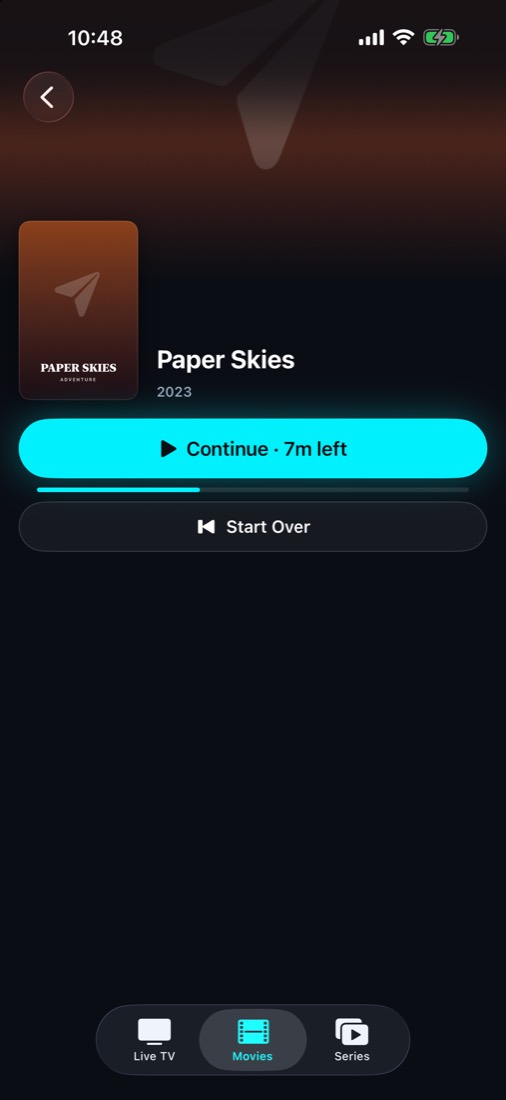
- Movies & SeriesWith an Xtream Codes login: browse posters and seasons, pick up where you left off, and the next episode plays automatically.
- Picture in Picture & AirPlayKeep watching in a floating window, or send it to your TV.
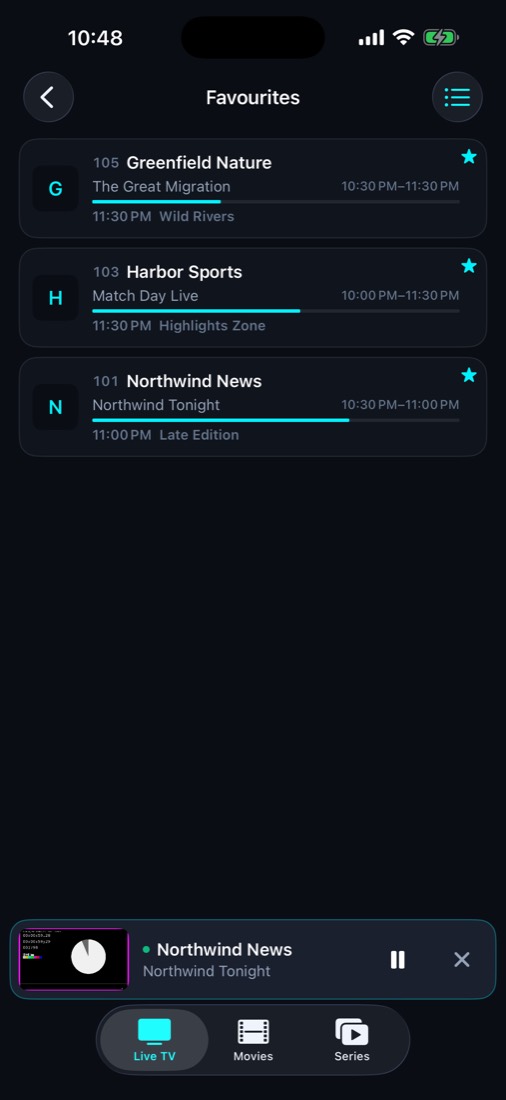
- Mini playerPull the player down and keep watching while you browse.
- Favourites & searchYour favourite channels one tap away, and fast search across every channel.
- iPhone & iPadBuilt natively for both, with a sidebar layout and full guide grid on iPad.
- No accountYour playlists and logins stay on your device. Delete everything at any time in Settings.
- Provider codesIf your provider gives you a short code, enter it and your playlist is set up for you.
- Reliable live TVPlays live streams that other players reject, and tells you right away when a channel is down.
- FreeFree to download and use, supported by ads.
Screenshots
FAQ
What is TekTV?
TekTV is a free IPTV player for iPhone and iPad. It plays your own M3U playlists and Xtream Codes logins, with a TV guide grid, Movies & Series, favourites, a mini player, Picture in Picture and AirPlay.
Is TekTV free?
Yes. TekTV is free to download and use, and is supported by ads.
Does TekTV include channels?
No. TekTV does not include, sell or link to any channels or content. You add your own playlist from your provider.
Should I use an M3U link or an Xtream Codes login?
Both work. An M3U link is the simplest: paste one link to get live TV, plus the TV guide if the playlist includes one. If your provider gives you an Xtream Codes login, use it to also unlock the Movies and Series tabs, with Continue Watching and next-episode autoplay, and the TV guide loads automatically.
What is a provider code?
Some providers give their customers a short code instead of a playlist link. Enter it on the Provider Code tab in TekTV and the provider's playlist is set up for you; for Xtream Codes providers you still sign in with your own username and password. Only providers verified by Hydtek get a code (for providers).
Where is TekTV available?
TekTV is on the App Store for iPhone and iPad in most countries, including Canada, the United States, the United Kingdom and the European Union.
Does TekTV work on iPad?
Yes. TekTV is built for both iPhone and iPad, with a sidebar layout and a full TV guide grid on iPad.
Do I need an account? What happens to my data?
No account is needed. Your playlists and logins stay on your device, and you can delete everything at any time in Settings. See the Privacy Policy for details.